
 Español
 Français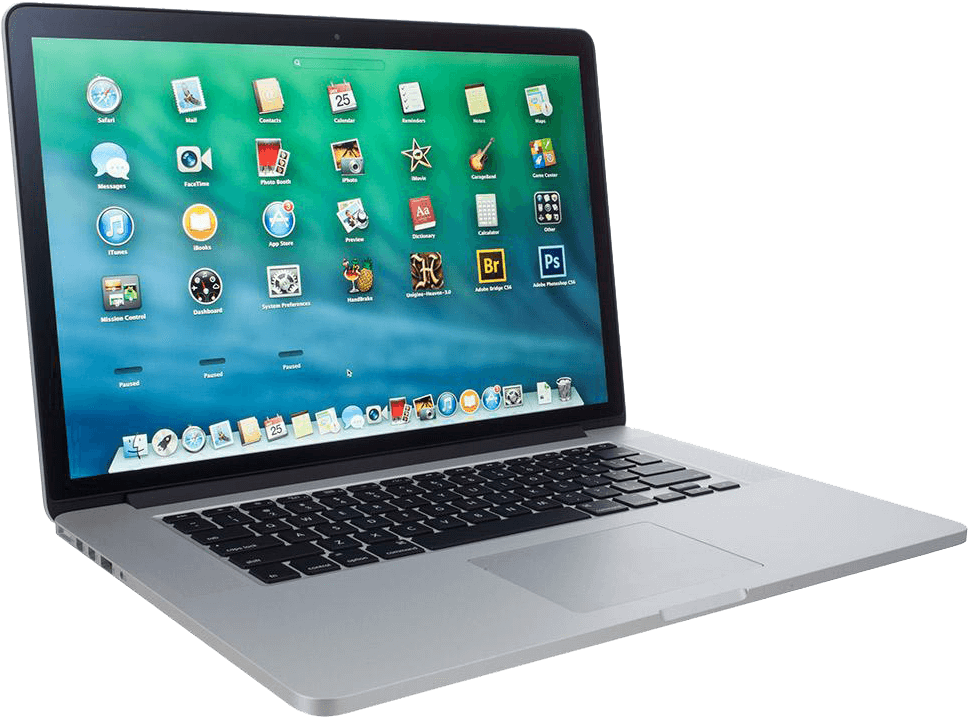
Install on Mac
MacBook, iMac and Mac mini with macOS.
-
-
Step 2
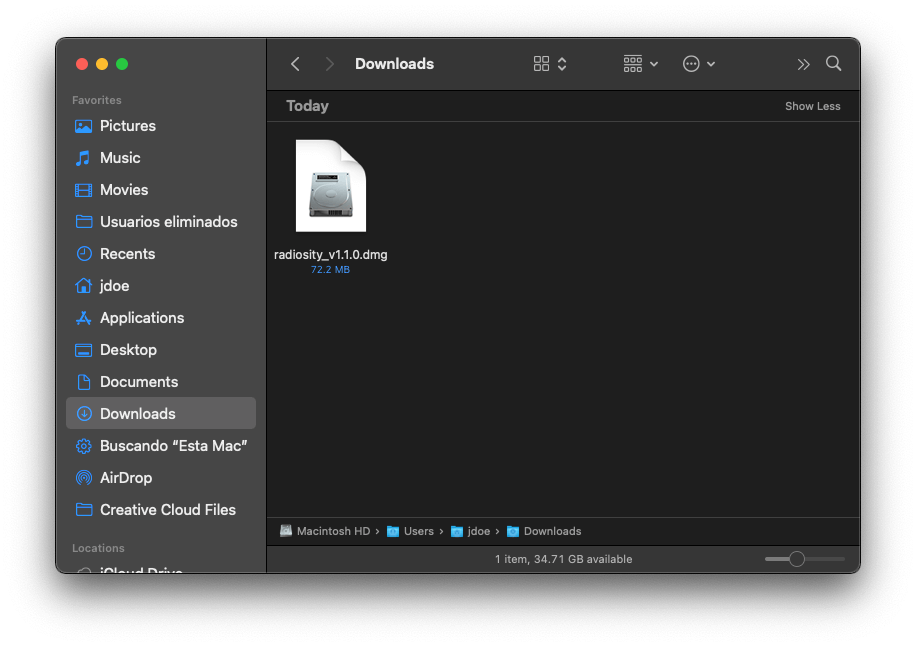
Open the installer
Open Finder, go to the Downloads folder and double-click the Radiosity file.

-
Step 3
Finish the installation
Follow the video to finish, then link your Mac to your account.
Next: Link with your phone and the QR code →
Your device is not listed?
Write to us and we will tell you whether it works and how to install it. Contact us →