
 Español
 Français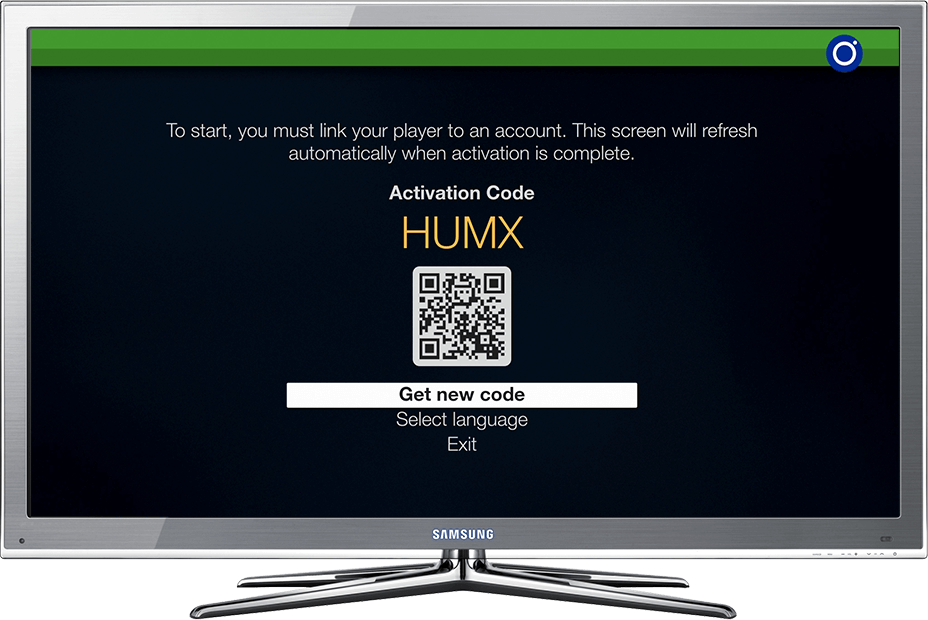
Link with your phone and the QR code
The fastest way to activate your TV, set-top box or computer.
-
Step 1
Open Radiosity
Open the app you just installed: the activation screen shows a QR code.
-
Step 2
Scan the code
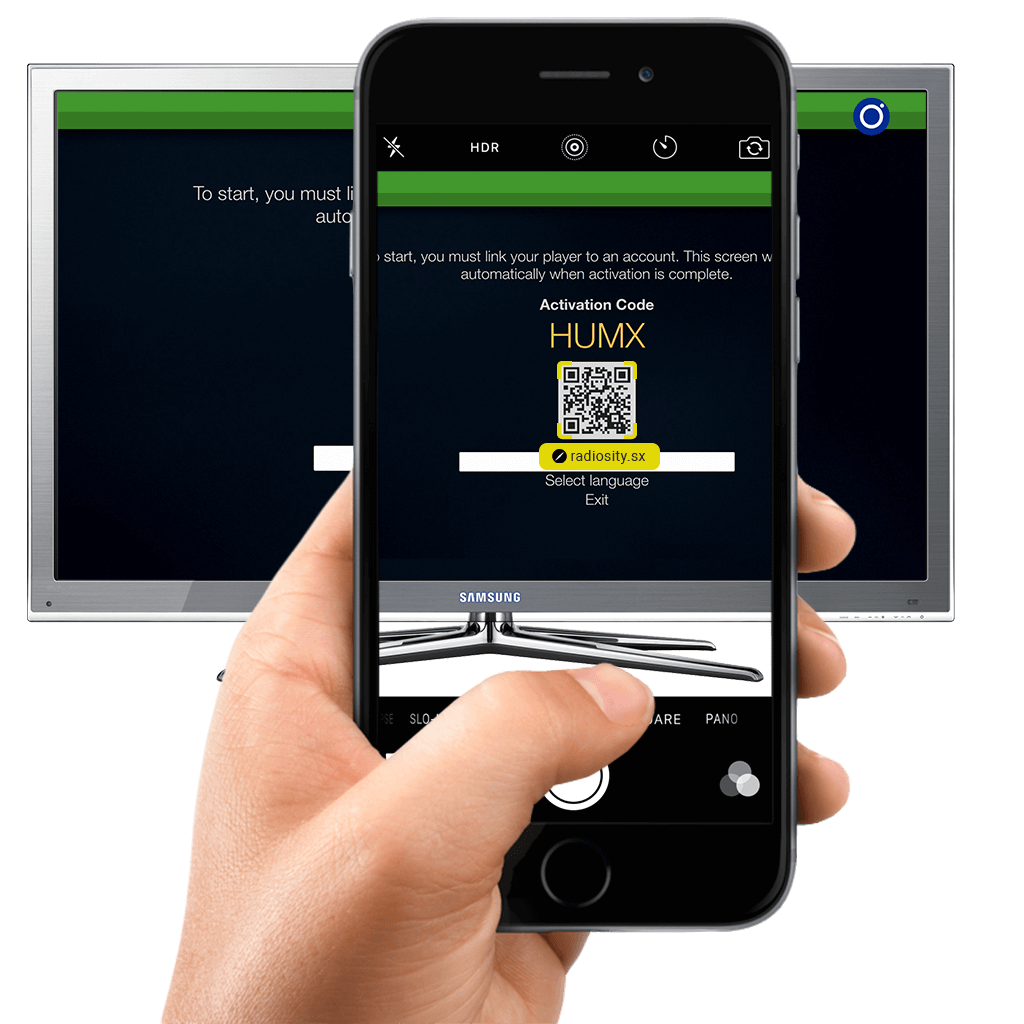
Scan the QR code with your phone’s camera and tap the radiosity.sx link that appears.
-
Step 3
Sign in
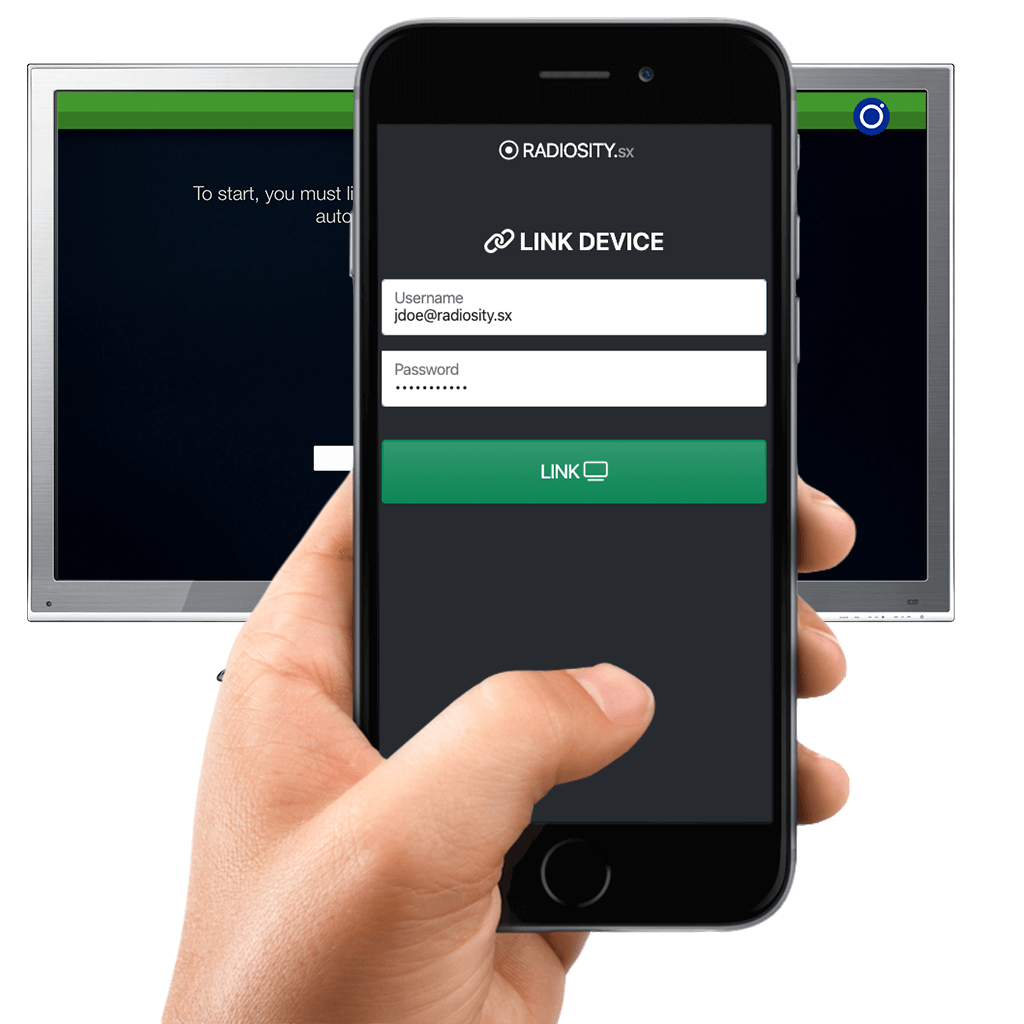
Enter your Radiosity e-mail and password and tap Link.
-
Step 4
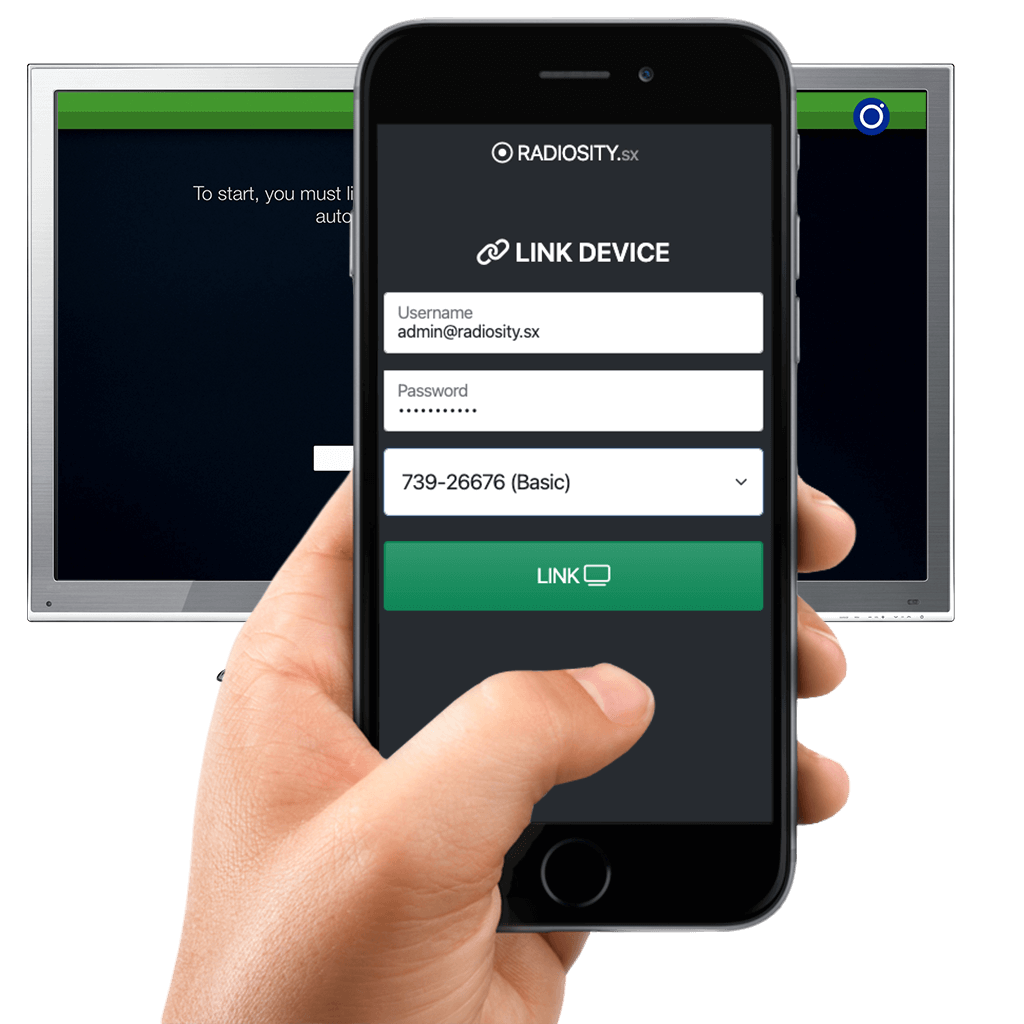
Pick the account (if you have several)
If you have more than one active account, pick the one to use on that device and tap Link.
-
Step 5
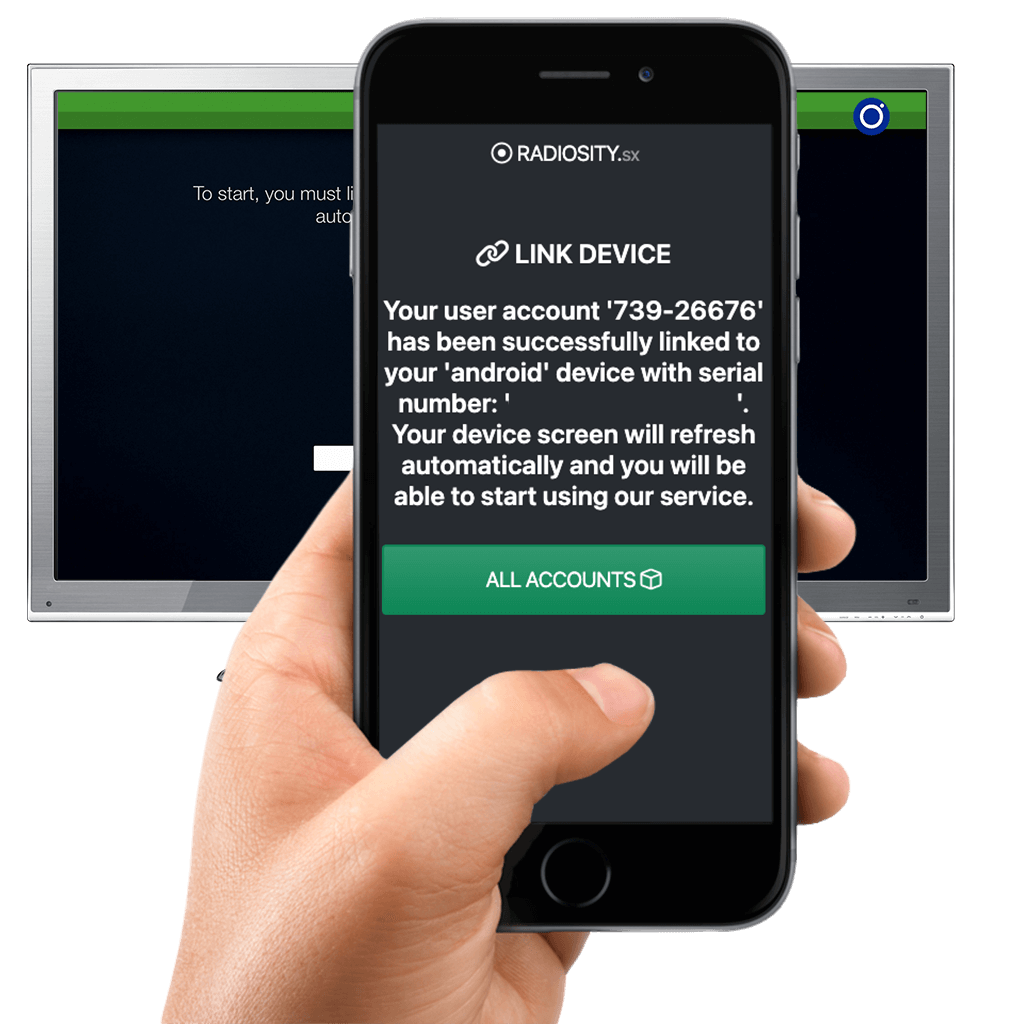
Done!
You will see the confirmation on your phone.
-
Step 6
Check your TV
The screen refreshes by itself and you can start enjoying Radiosity.
Your device is not listed?
Write to us and we will tell you whether it works and how to install it. Contact us →