 Español
 Français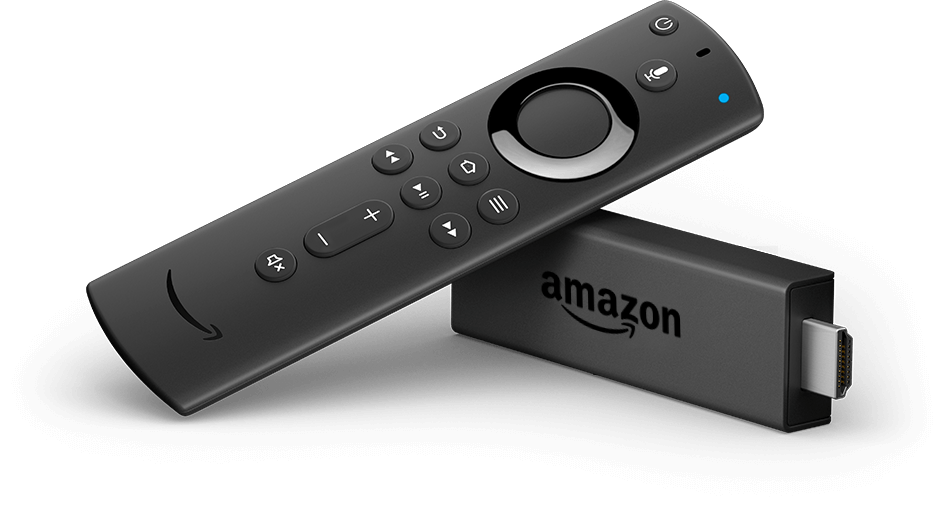
Install on Android TV and Fire TV
Fire TV Stick, Fire TV, Android TV or Google TV sets and Android set-top boxes.
-
Step 1
Install the Downloader app
Downloader is a free app from your device’s store that lets you install Radiosity. On a Fire TV:
- On the home screen, go to Search and type “Downloader”.
- Pick the Downloader app, select Download and wait for it to install.
- Go back home and open Settings → My Fire TV → Developer options.
- Open Install unknown apps, find Downloader and turn it on.
-
Step 2
Download and install Radiosity
Open Downloader, type the address below in the URL field and select Go. Follow the on-screen steps; the video shows the whole process.
Type this address in Downloader:
bit.ly/39x4XdF -
Step 3
Link your device
Open Radiosity: the activation screen appears. Link it to your account with your phone and the QR code.
Next: Link with your phone and the QR code →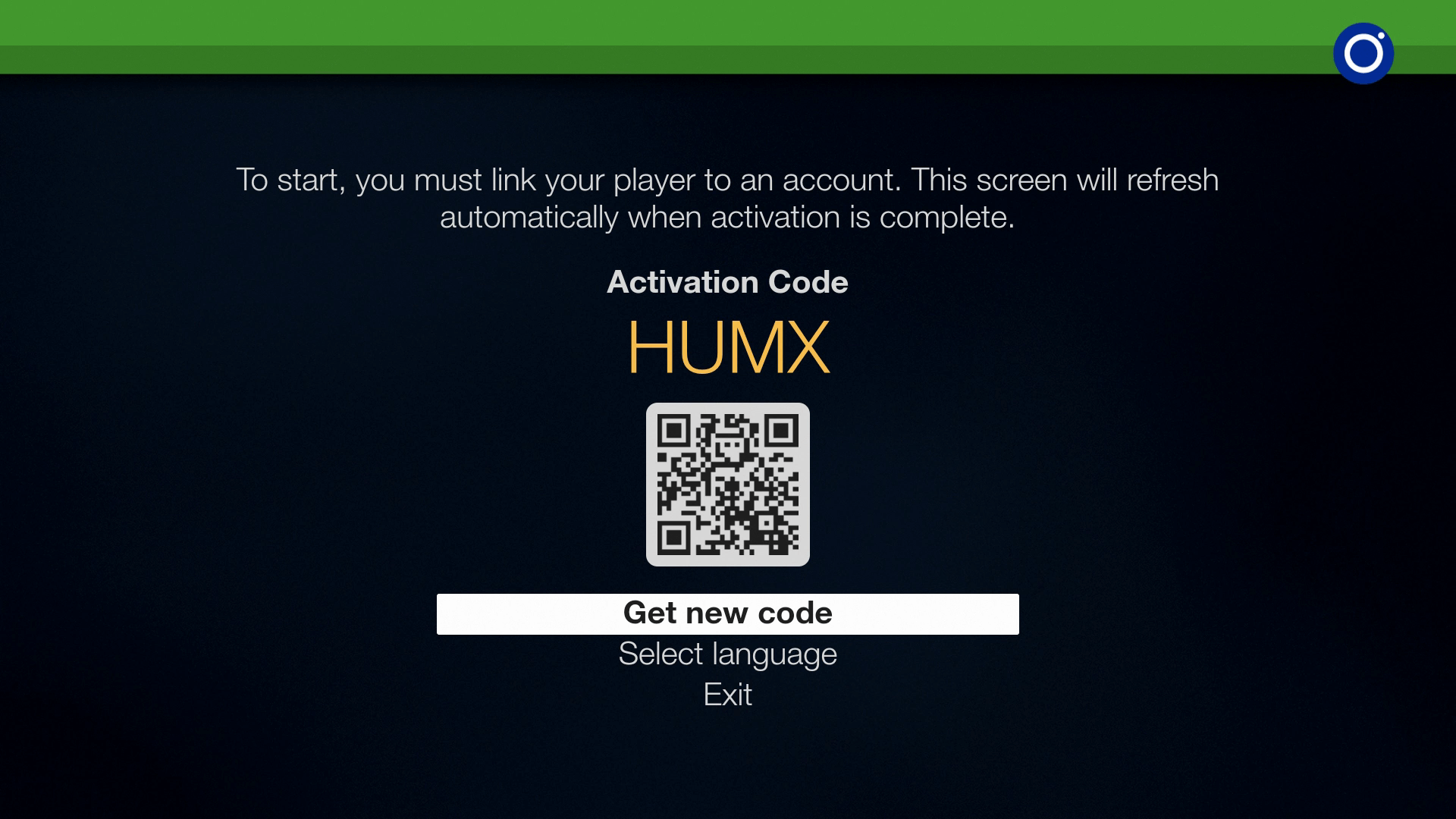
Your device is not listed?
Write to us and we will tell you whether it works and how to install it. Contact us →