
 Español
 Français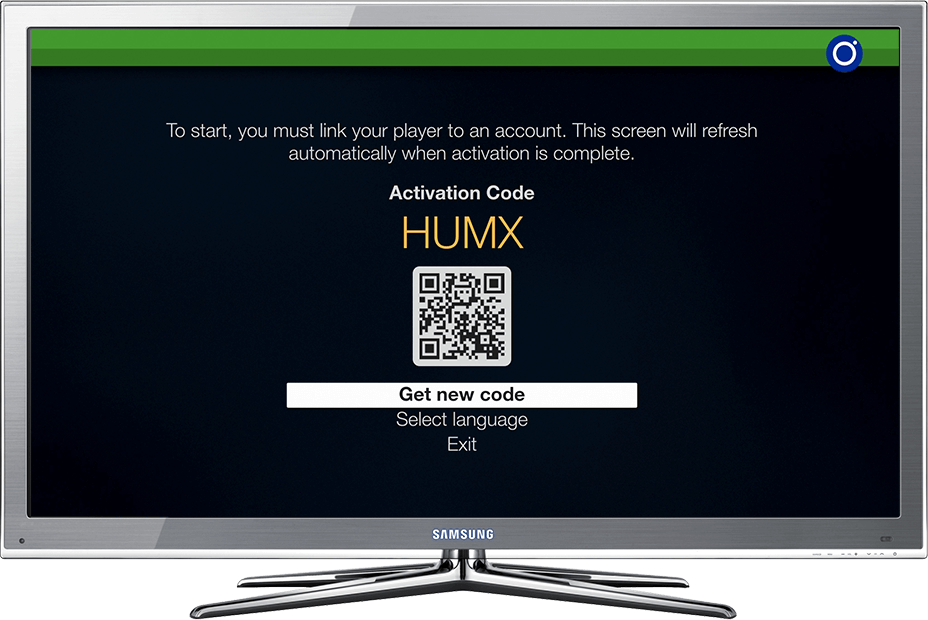
Link from the website
If you cannot scan the QR code, use the 4-character activation code.
-
Step 1
Open Radiosity
Open the app on the device you want to link and wait for the activation code.
-
Step 2
Sign in
On your phone or computer, sign in to your Radiosity account with your e-mail and password.
Sign in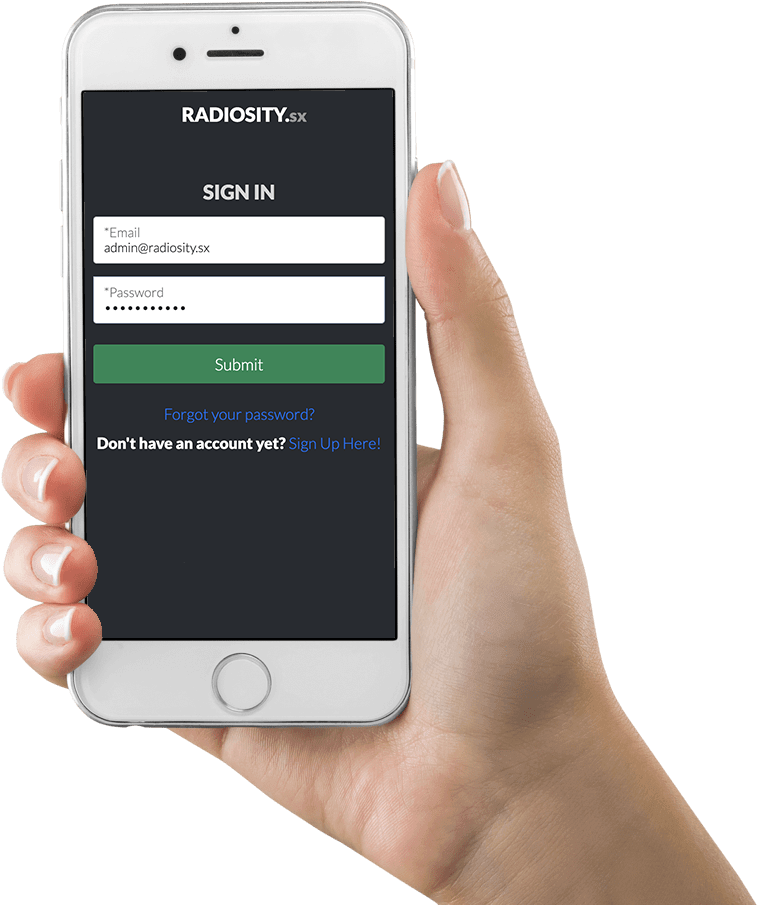
-
Step 3
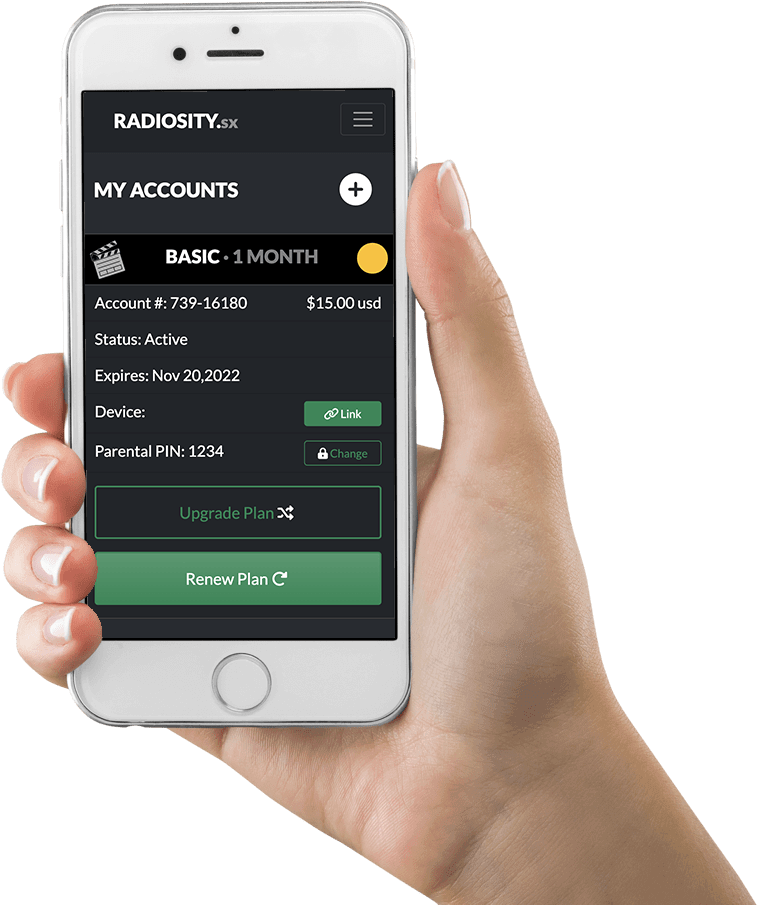
Pick the account
Find the account to use on that device and select Link.
-
Step 4
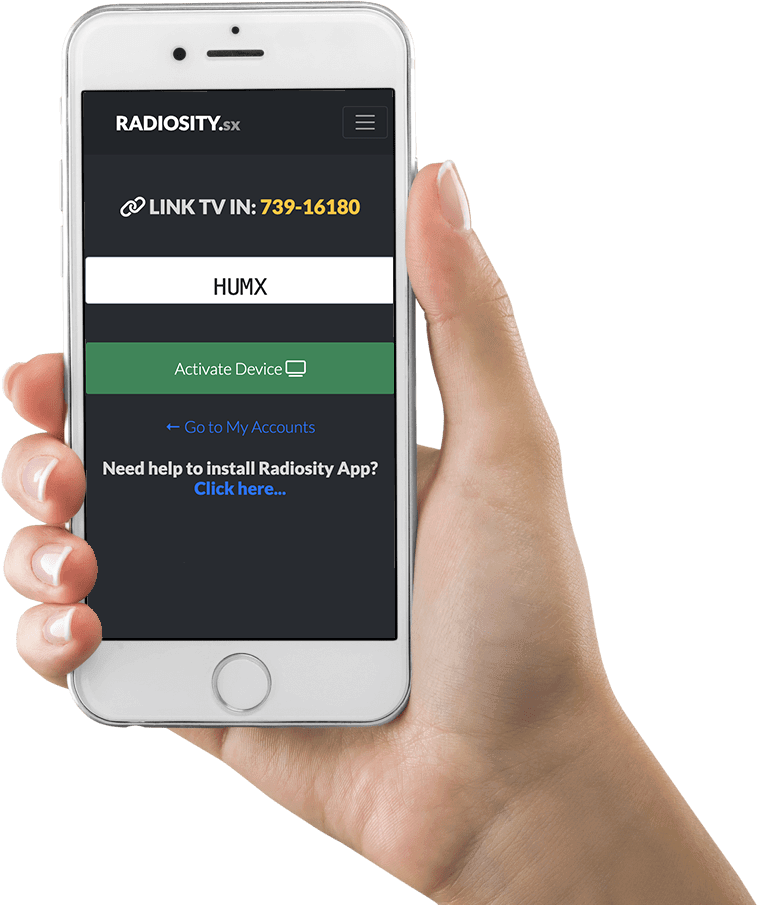
Enter the code
Type the activation code shown on your TV and select Activate device. The code in the picture is only an example.
-
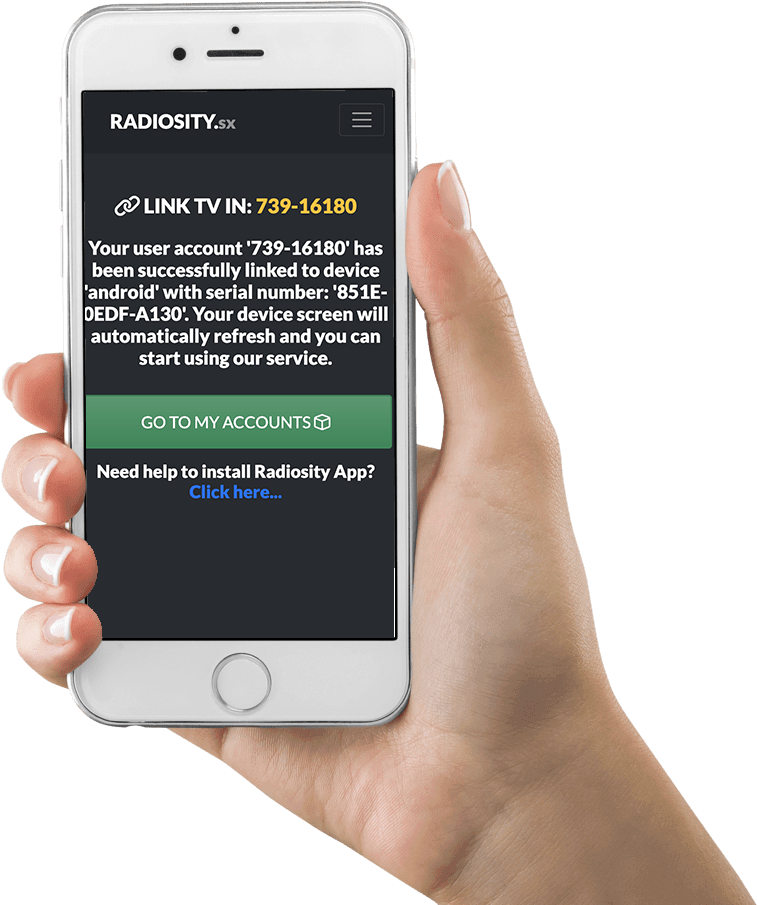
Step 5
Wait for the confirmation
The activation answer arrives in a few seconds.
-
Step 6
Done!
Check your TV: you can start enjoying Radiosity.
Your device is not listed?
Write to us and we will tell you whether it works and how to install it. Contact us →